REST API Client
for Your Terminal
A simple and easy to use REST API Client that runs in your terminal. Open-source alternative to Postman.
Get Started in Seconds
One command to install RestMan on your system
Quick Install
curl -fsSL https://userestman.vercel.app/install.sh | bashThen run
restmanFor manual installation or other options, visit the GitHub repository.
Powerful Features
Everything you need to test and debug REST APIs, right in your terminal
Fast & Lightweight
Built with Bun for blazing fast performance. No bloated Electron wrapper - just pure terminal goodness.
Keyboard-First
Navigate entirely with keyboard shortcuts. No mouse required. Perfect for terminal power users.
Environment Variables
Manage multiple environments (dev, staging, prod) with variable substitution like {{ API_KEY }}.
Request History
Automatically saves your request history. Browse, search, and replay previous requests instantly.
Save & Reuse
Save frequently-used requests and organize them into collections for quick access.
Smart Formatting
Automatic JSON pretty-printing, syntax highlighting, and response timing metrics.
See It In Action
A glimpse into RestMan's powerful interface
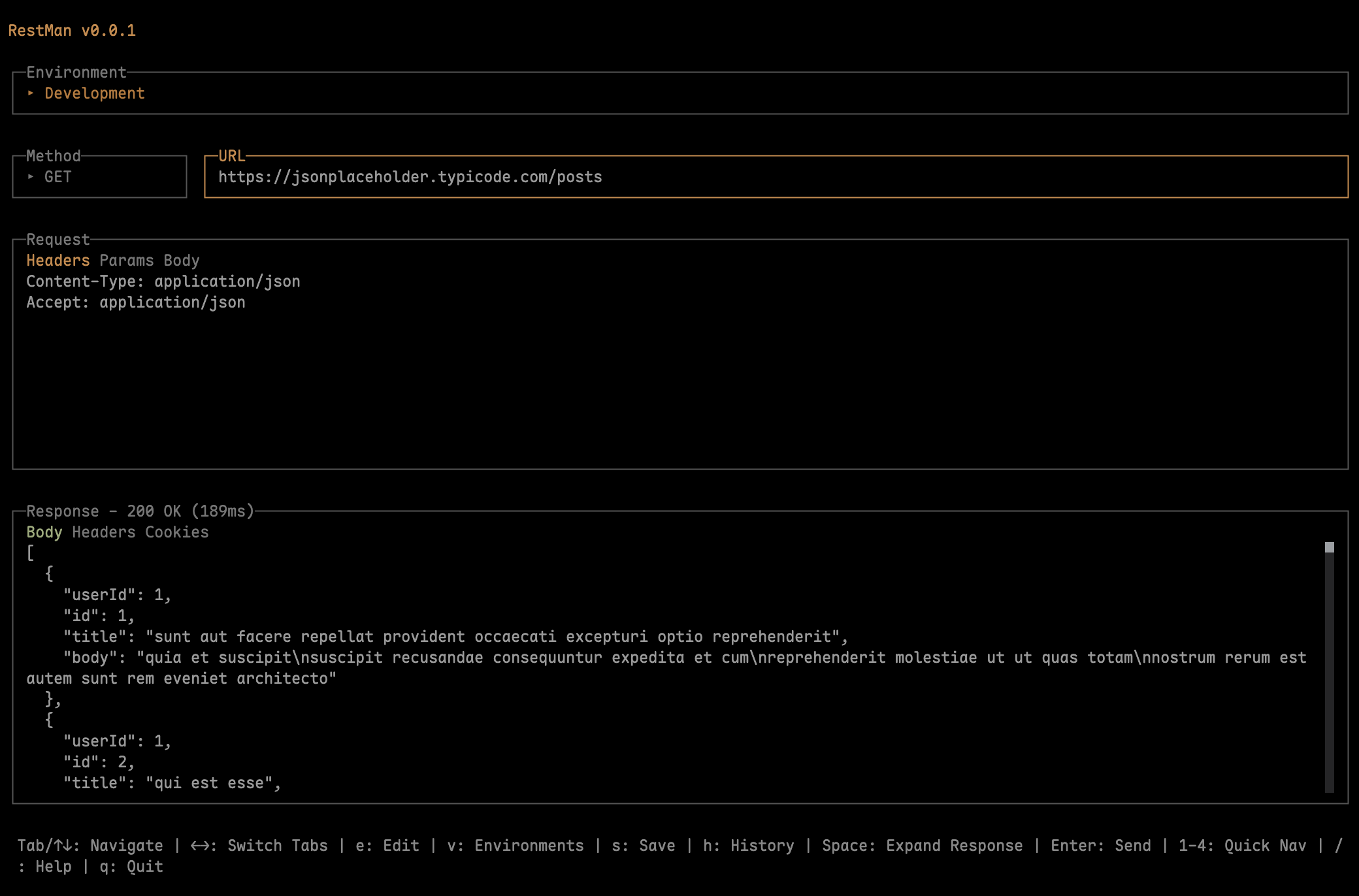
Main Interface
Clean, focused interface for making API requests
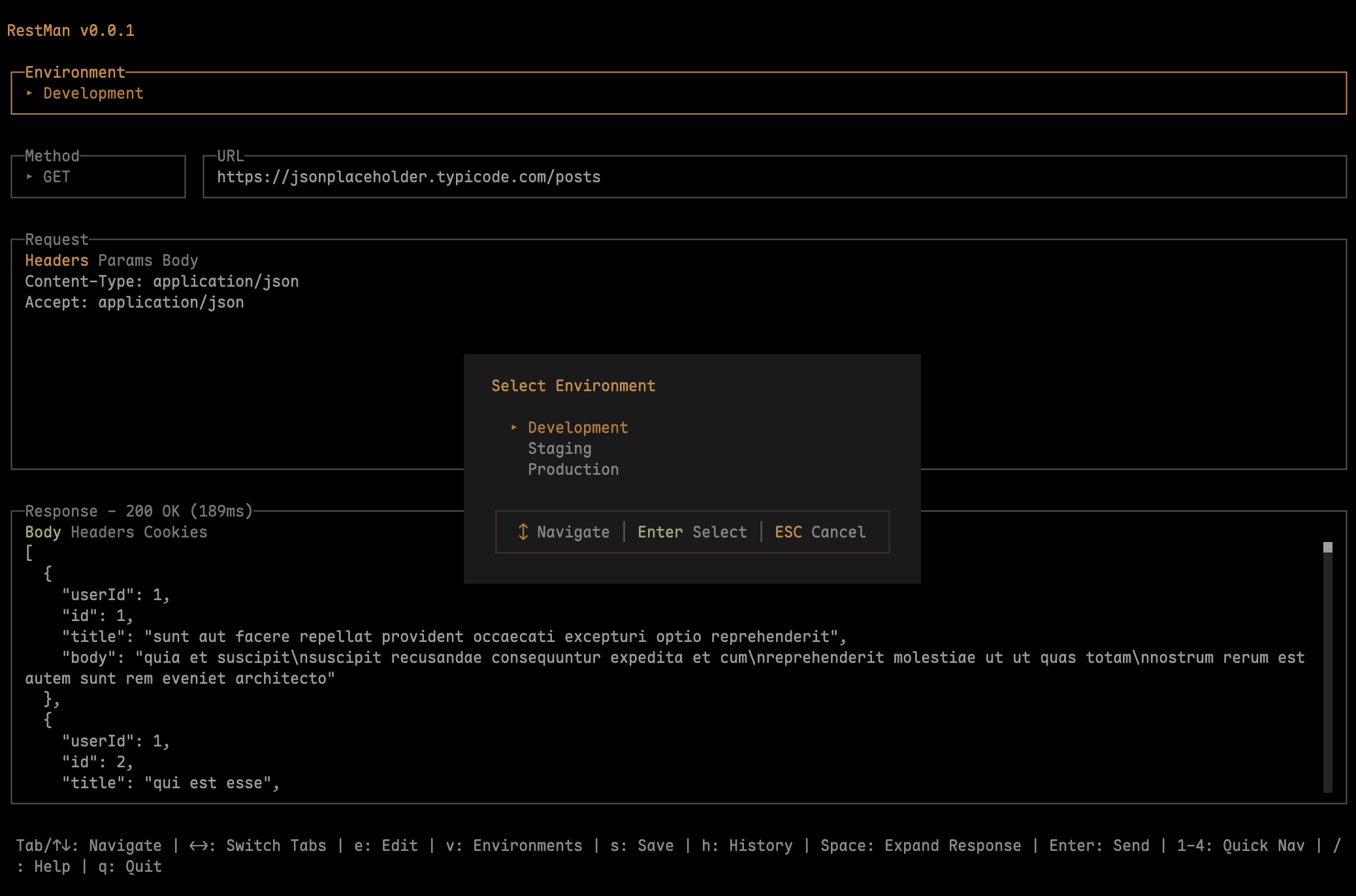
HTTP Method Selection
Quick method selector with keyboard shortcuts
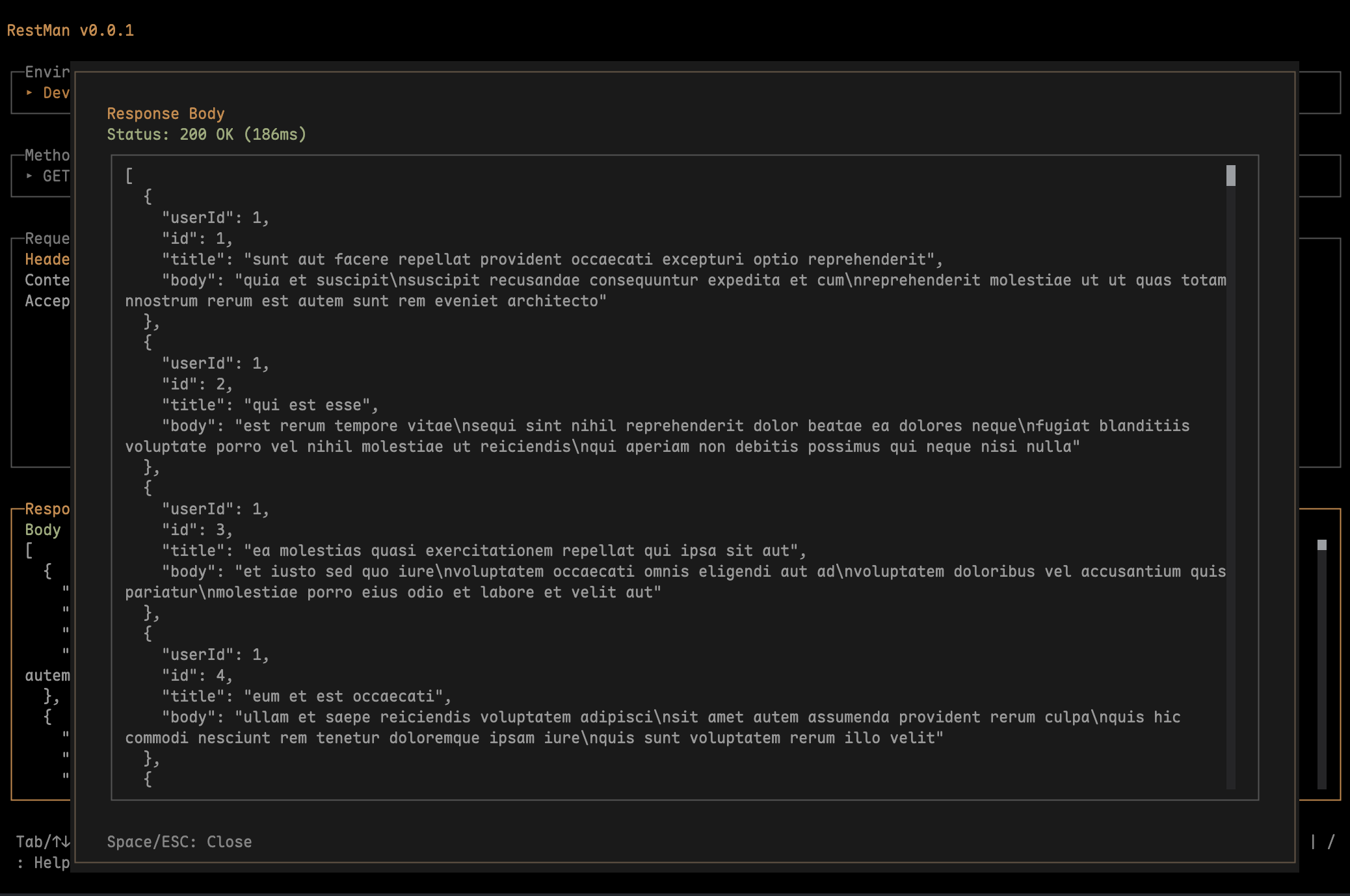
Full Response View
Expanded view for large JSON responses
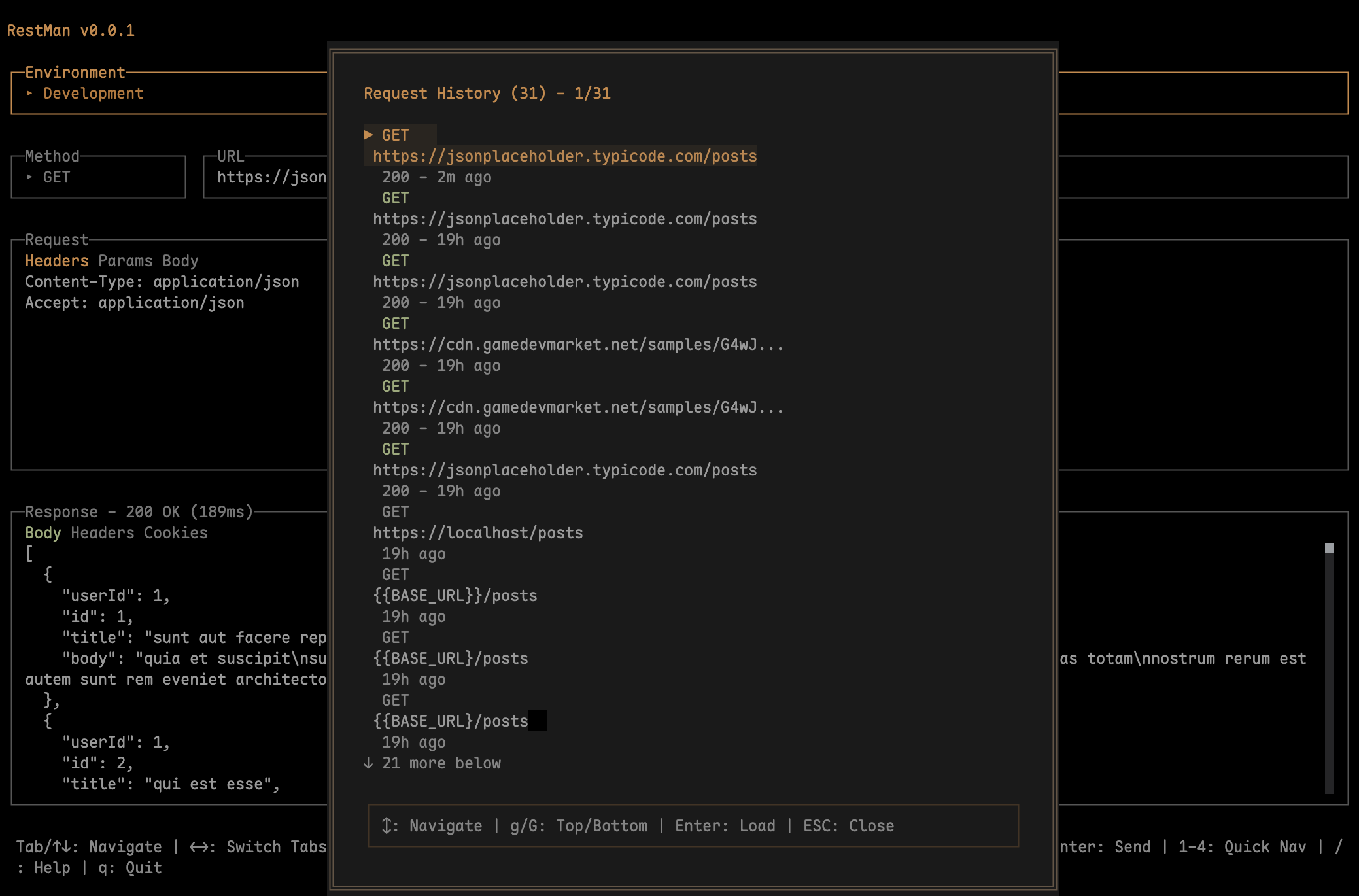
Request History
Browse and replay previous API requests
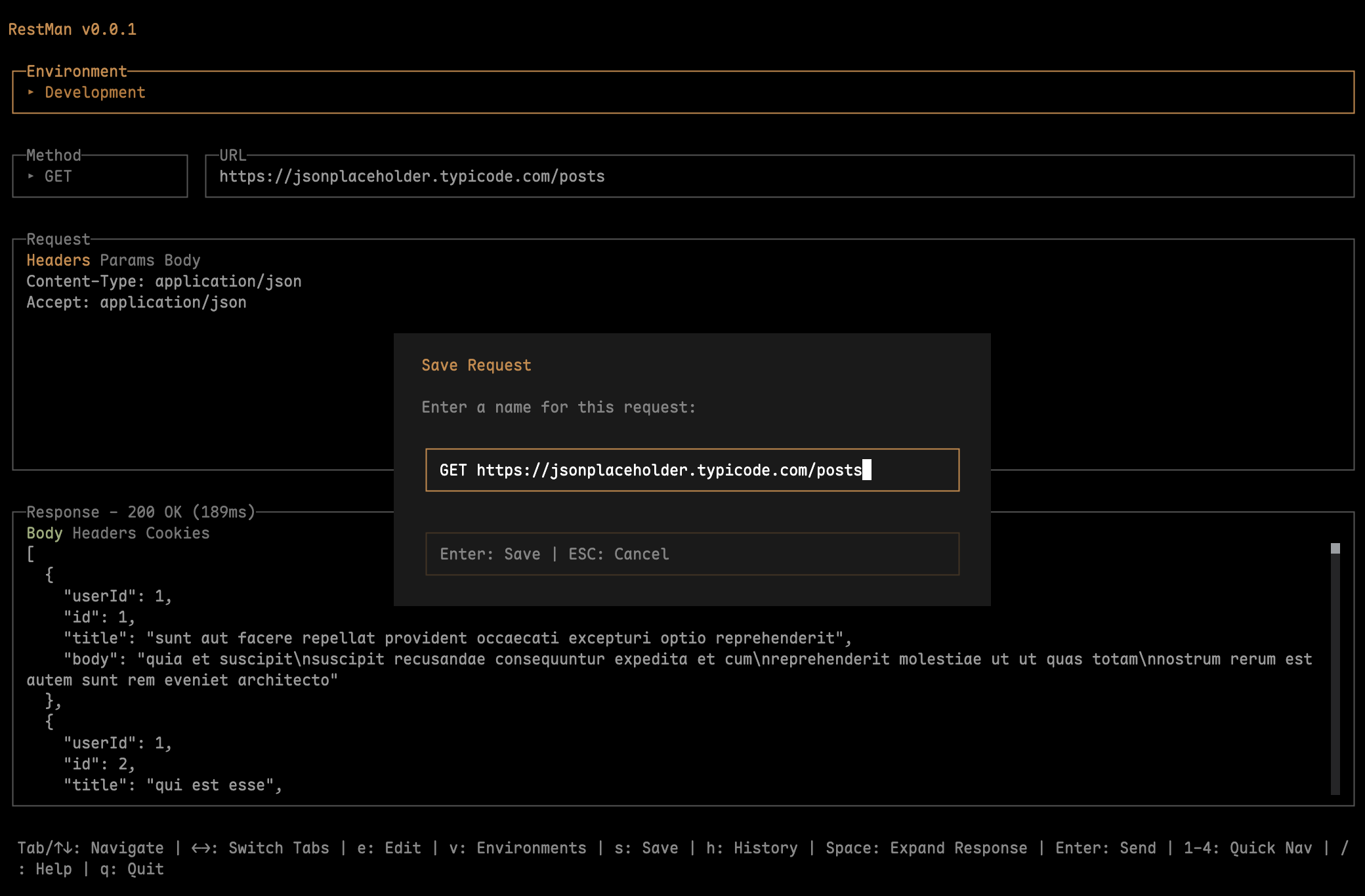
Save Requests
Save and organize frequently-used requests
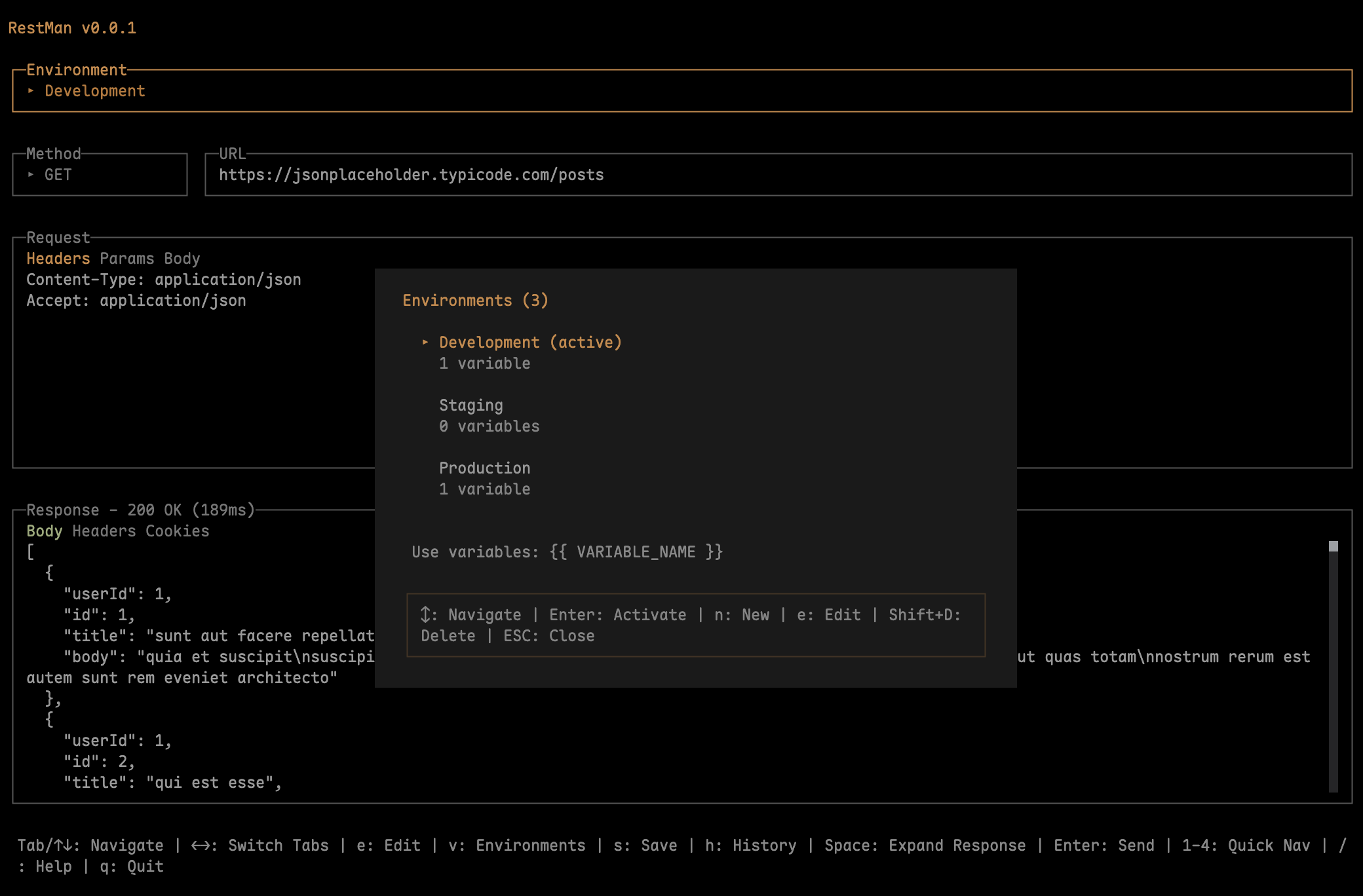
Environment Management
Switch between dev, staging, and production
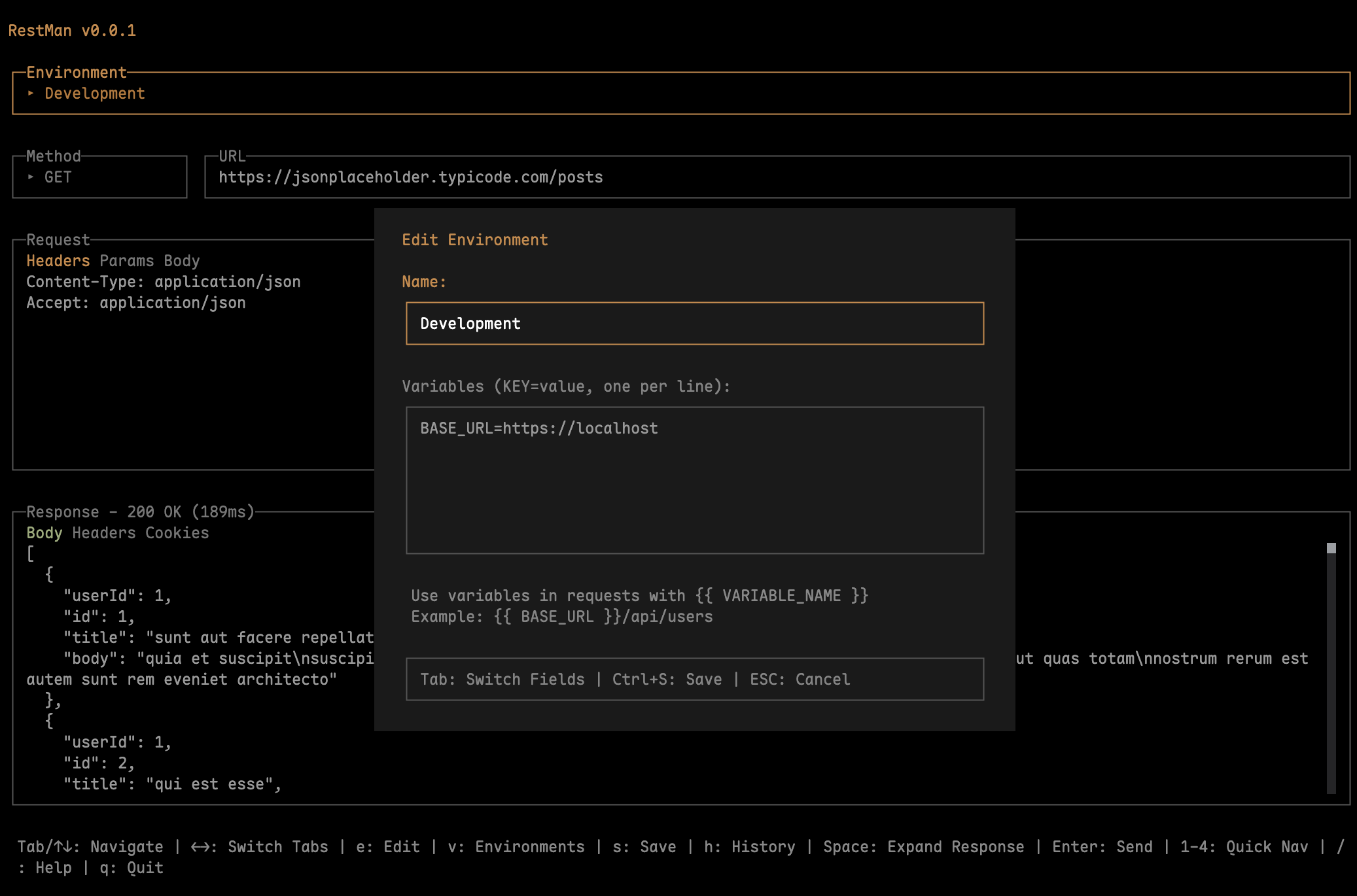
Environment Variables
Manage environment-specific variables
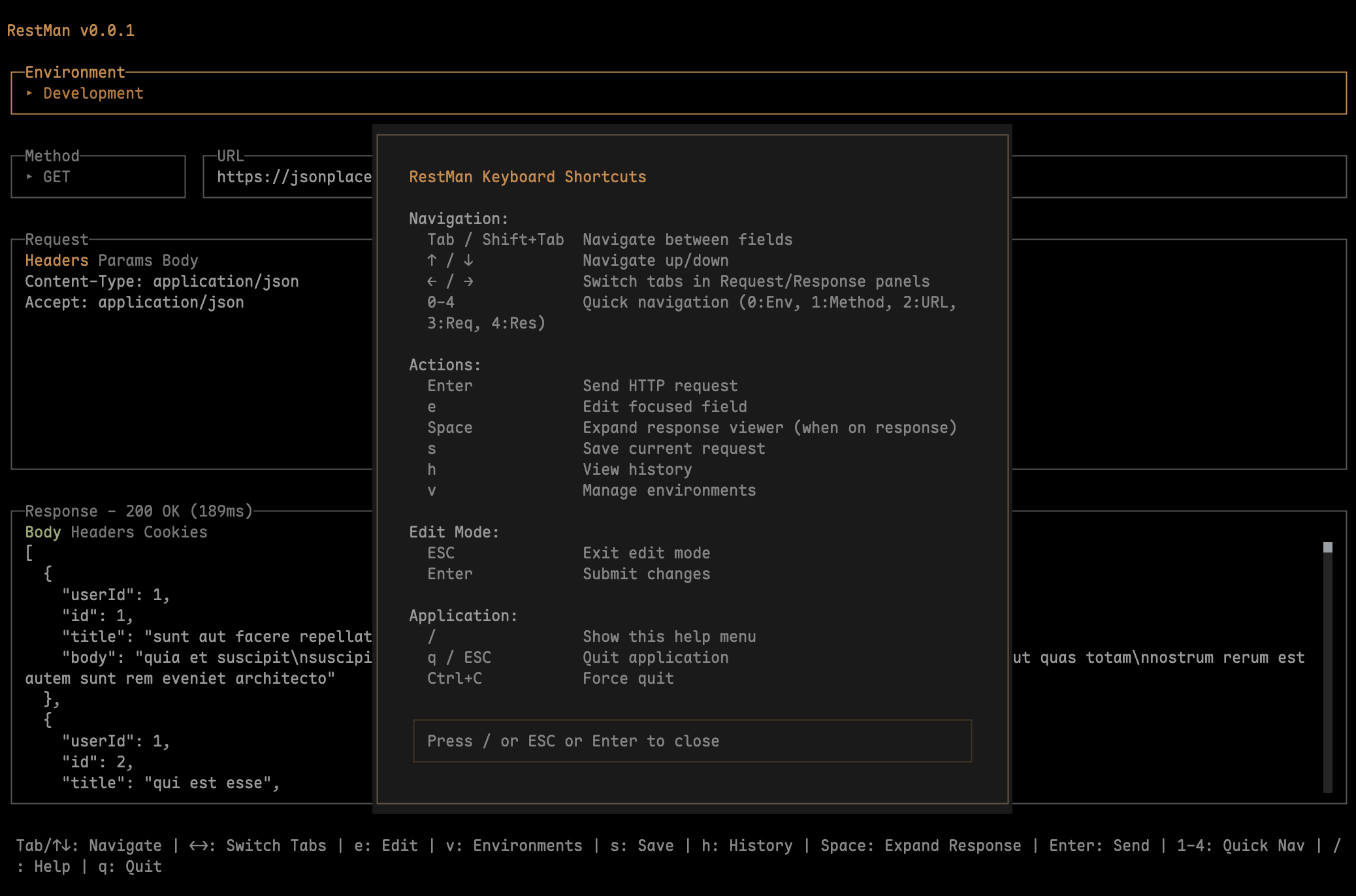
Built-in Help
Quick reference for all keyboard shortcuts
Quick Start Guide
Master RestMan in minutes with these essential features
Keyboard Shortcuts
Environment Variables
Use variables for dynamic values:
https://{{BASE_URL}}/api/users
Authorization: Bearer {{TOKEN}}
Create environments for different stages:
- Development:
localhost:3000 - Staging:
staging.api.com - Production:
api.example.com
Press v to manage environments and switch between them instantly.
Save & Reuse Requests
Save frequently-used requests:
- Configure your request (URL, headers, body)
- Press s to save
- Give it a memorable name
- Press l to load saved requests anytime
Perfect for testing the same endpoints repeatedly during development.
Request History
All your requests are automatically saved:
- Browse previous requests with h
- See status codes and response times
- Replay any request instantly
- Last 100 requests stored locally
History is stored in ~/.restman/history.json